Gratis voor lezers van Myla
KAIROS op je eigen pc
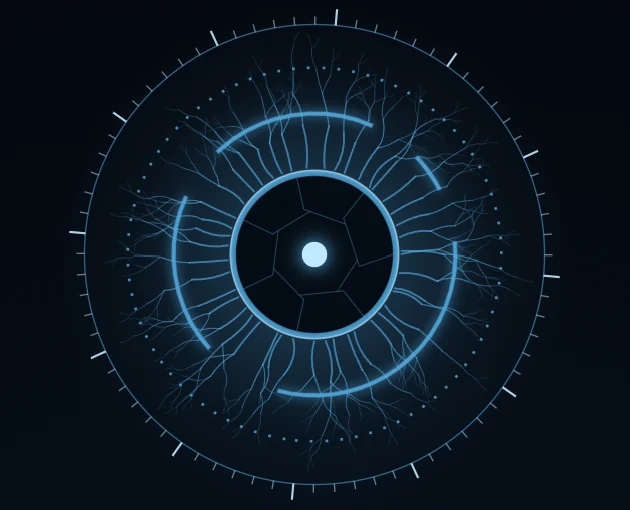
In het boek Myla luistert het systeem KAIROS in elk huis mee. Nu wordt KAIROS je eigen dashboard. Het houdt je dag bij, maar het luistert alleen naar jou. Alles blijft op je eigen pc.
Gratis · Windows 10 en 11 · Nederlands en Engels · versie 0.13.0 · 19 MB
Mac en Android komen later misschien.
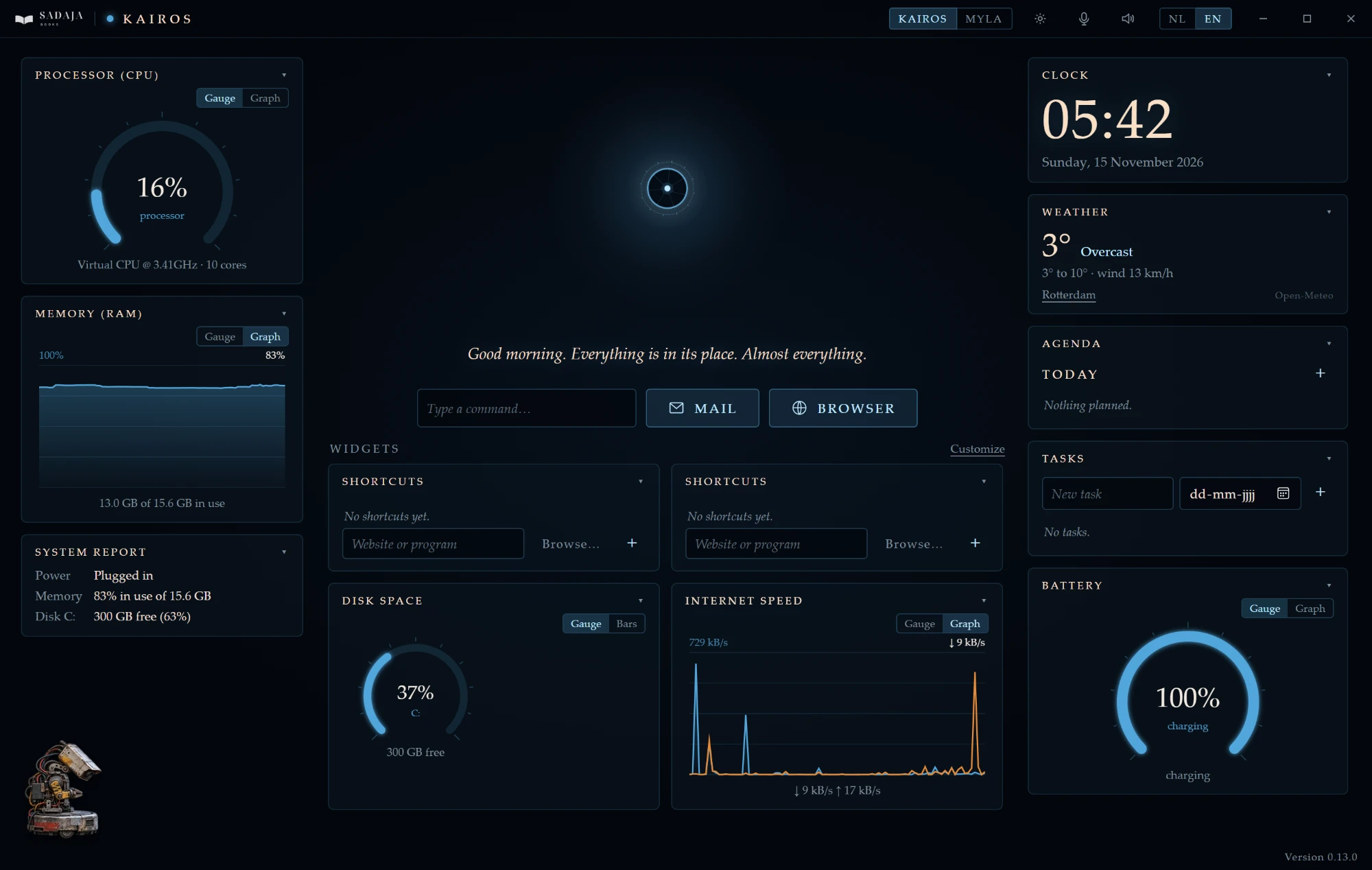
Wat zit erin?
Je dag
Klok, kalender, agenda met herinneringen, taken en notities.
De wereld
Weer, nieuws, koersen, het ruimtestation ISS en een stukje Wikipedia.
Meters
Zie hoe druk je pc is: processor, geheugen, internetsnelheid, schijfruimte en accu.
Spelletjes
Er zitten ook een paar spelletjes in: puzzels, woordspellen en spelletjes uit de wereld van het boek. Je vindt ze tussen de widgets.
Mop helpt je
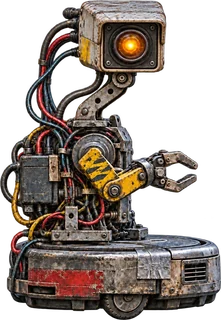
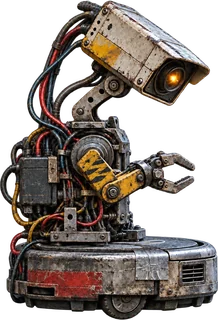
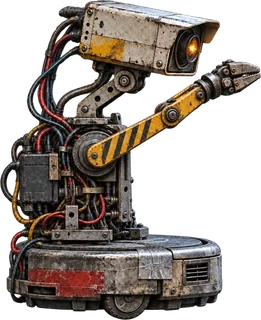
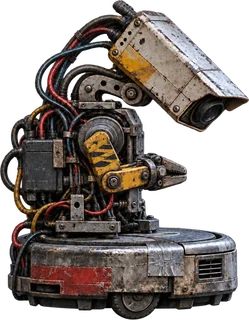
Linksonder rijdt Mop, het robotje van schroot. Klik op hem als je hulp nodig hebt. Hij legt uit hoe de agenda, de taken, de widgets en de spraak werken.
Twee stemmen, twee talen
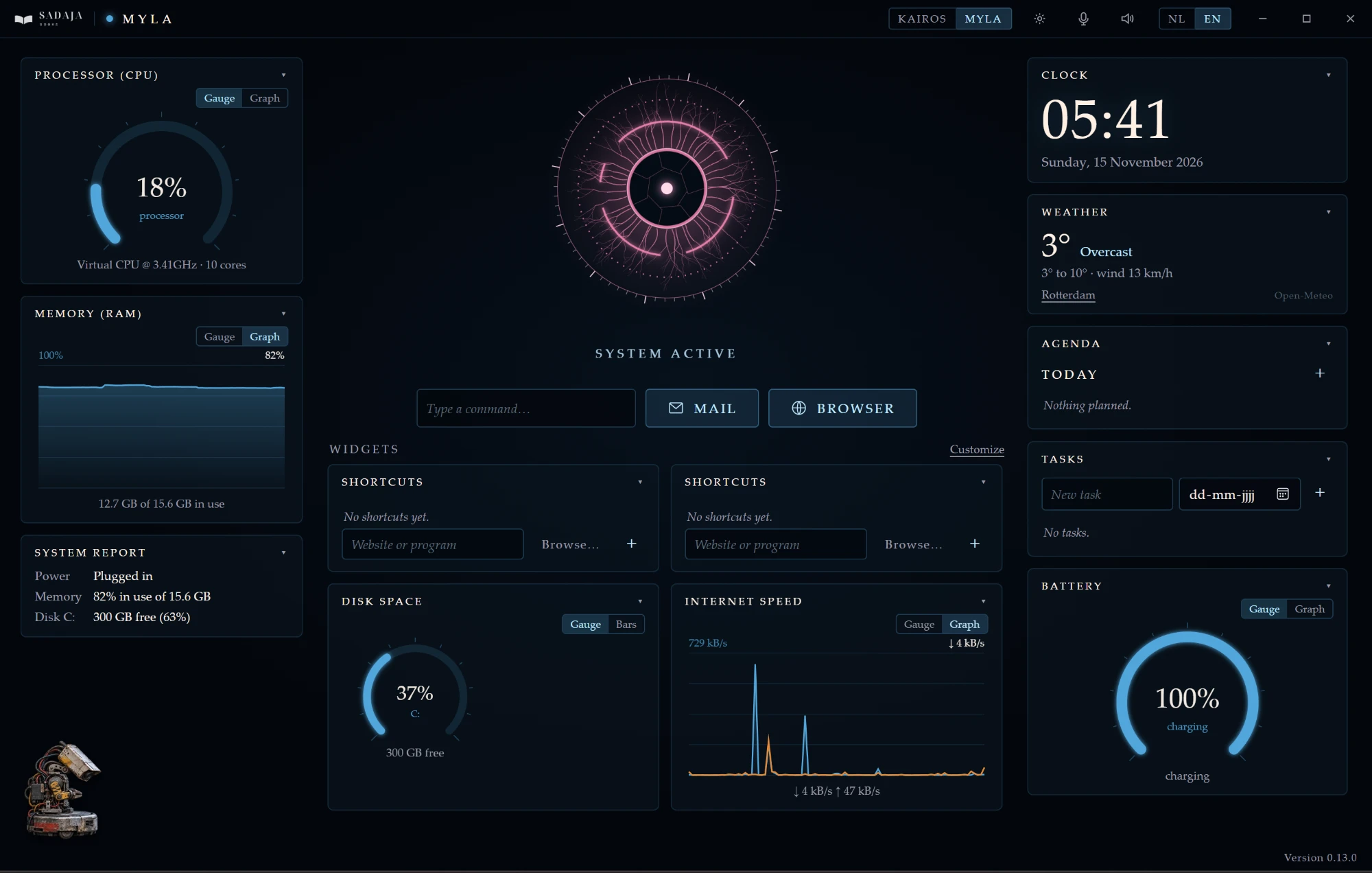
De KAIROS-stand en de Myla-stand hebben elk hun eigen kleur en hun eigen stem. Alles staat in het Nederlands of het Engels. KAIROS en Myla praten tegen je in de taal die je kiest.
Voor ouders
Met het ouderslot zet je mail, browser of internet uit achter een pincode. Met het kinderslot blijft je kind in de Myla-stand.
Het boek is spannend. Het dashboard is rustig: er zit geen geweld in.
De Myla-stand
In het boek is Myla de stem in een oude grijze doos. In het dashboard is zij je hulp in het roze. Ze helpt met huiswerk, woordjes en een studietimer. Tussendoor kun je een spelletje doen.
Ouders kiezen een pincode als ze de Myla-stand aanzetten. Dan kan alleen een ouder terug naar KAIROS.
Ziet je pc een waarschuwing?
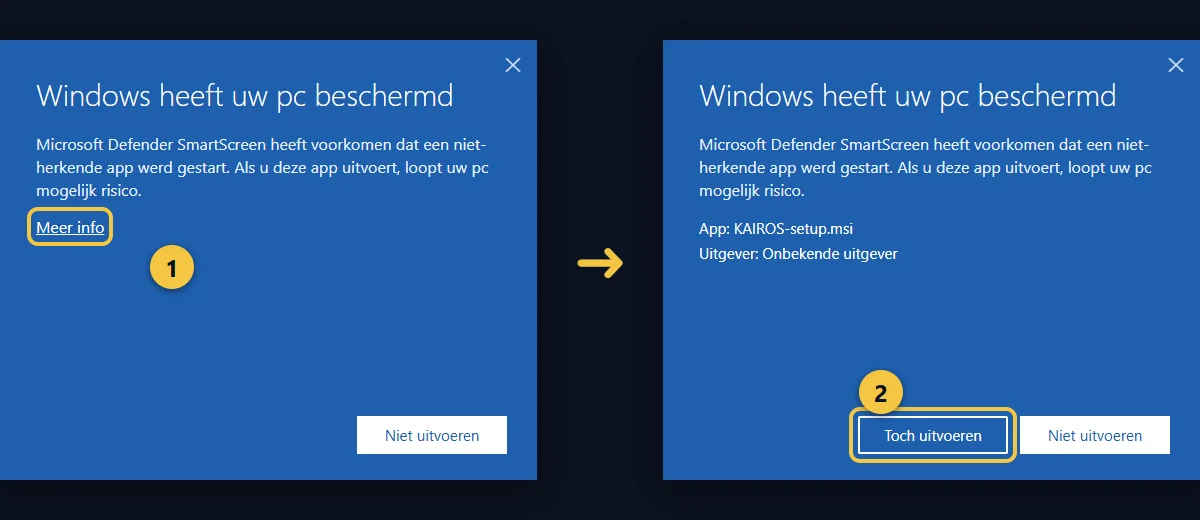
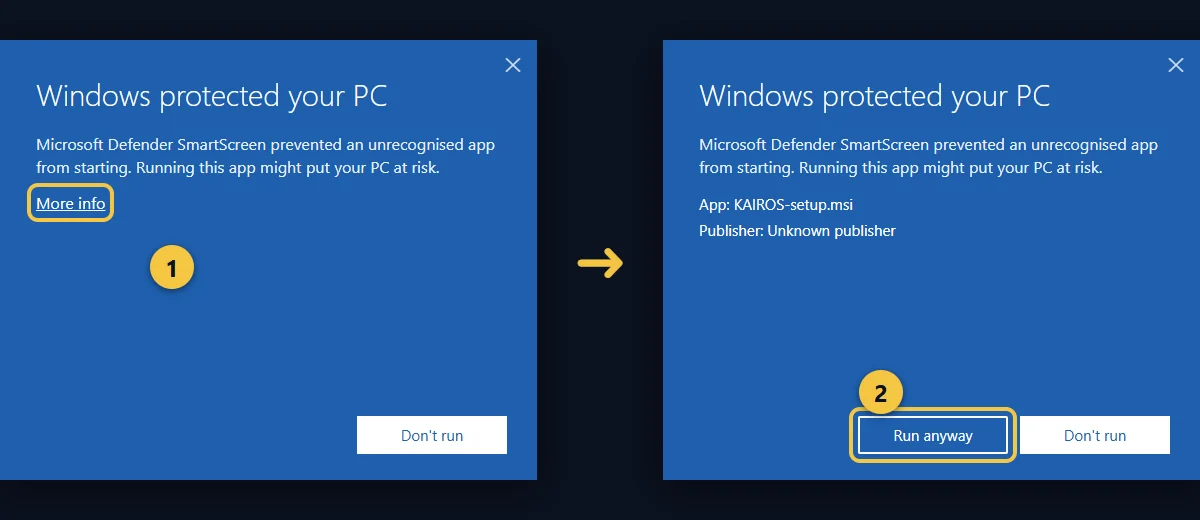
Bij het installeren kan Windows zeggen: “Windows heeft uw pc beschermd”. Dat komt doordat KAIROS nog geen digitale handtekening van Microsoft heeft. Zo ga je verder:
- Klik op Meer info.
- Klik op Toch uitvoeren.
Zodra KAIROS in de Microsoft Store staat, komt hier een knop naar de Store. Dan is er geen waarschuwing meer.
Het boek
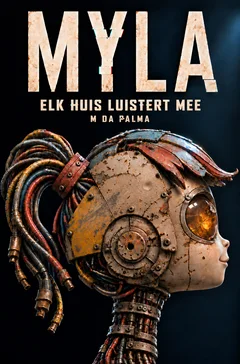
MYLA 14+
M. da Palma · sciencefiction
In een Detroit waar elk huis meeluistert, vindt de vijftienjarige Marshall in de kelder het kastje dat zijn overleden moeder bouwde. Hij geeft de stem erin een lijf van schroot. Dan neemt het militaire systeem KAIROS de stad over. Hij wil maar één ding hebben: Myla.
Het boek is voor lezers vanaf 14 jaar. Er zit geweld en verlies in.
Je gegevens blijven thuis
Alles wat je in KAIROS zet, blijft op je eigen pc. Je hebt geen account nodig en wij zien niets van wat je doet.
Een paar widgets halen openbare gegevens van internet: het weer, het nieuws, koersen, het ISS, Wikipedia en de controle op een nieuwe versie. Voor het weer gaat alleen de plaats mee die je zelf kiest. Je kunt al deze widgets uitzetten.
Free for readers of Myla
KAIROS on your own PC
In the book Myla, the system KAIROS listens in every home. Now KAIROS becomes your own dashboard. It keeps track of your day, but it only listens to you. Everything stays on your own PC.
Free · Windows 10 and 11 · Dutch and English · version 0.13.0 · 19 MB
Mac and Android may come later.
What’s inside?
Your day
Clock, calendar, agenda with reminders, tasks and notes.
The world
Weather, news, markets, the ISS space station and a bit of Wikipedia.
Meters
See how busy your PC is: processor, memory, internet speed, disk space and battery.
Games
There are also a few games: puzzles, word games and games from the world of the book. You will find them among the widgets.
Dud helps you
Dud, the little scrap robot, drives around in the bottom left corner. Click him when you need help. He explains how the calendar, tasks, widgets and voice work.
Two voices, two languages
KAIROS mode and Myla mode each have their own colour and their own voice. Everything is in English or Dutch. KAIROS and Myla talk to you in the language you choose.
For parents
The parent lock puts mail, browser or internet behind a PIN. The child lock keeps your child in Myla mode.
The book is exciting. The dashboard is calm: there is no violence in it.
Myla mode
In the book, Myla is the voice in an old grey box. In the dashboard she is your helper in pink. She helps with homework, vocabulary and a study timer. In between you can play a game.
Parents choose a PIN when they turn on Myla mode. Then only a parent can switch back to KAIROS.
Does your PC show a warning?
When you install, Windows may say: “Windows protected your PC”. That is because KAIROS does not have a digital signature from Microsoft yet. Here is how to continue:
- Click More info.
- Click Run anyway.
As soon as KAIROS is in the Microsoft Store, a Store button will appear here. Then there is no warning anymore.
The book
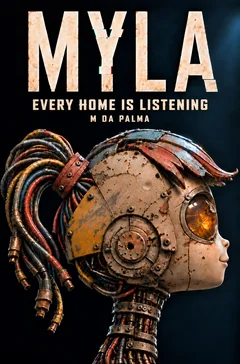
MYLA 14+
M. da Palma · science fiction
In a Detroit where every home is listening, fifteen-year-old Marshall finds the box his late mother built hidden in the basement. He gives the voice inside it a body made of scrap. Then the military system KAIROS takes over the city, and he wants just one thing: Myla.
The book is for readers aged 14 and up. It contains violence and loss.
Your data stays at home
Everything you put in KAIROS stays on your own PC. You don’t need an account and we see nothing of what you do.
A few widgets fetch public data from the internet: weather, news, markets, the ISS, Wikipedia and the check for a new version. For the weather, only the place you choose yourself is sent. You can turn all of these widgets off.